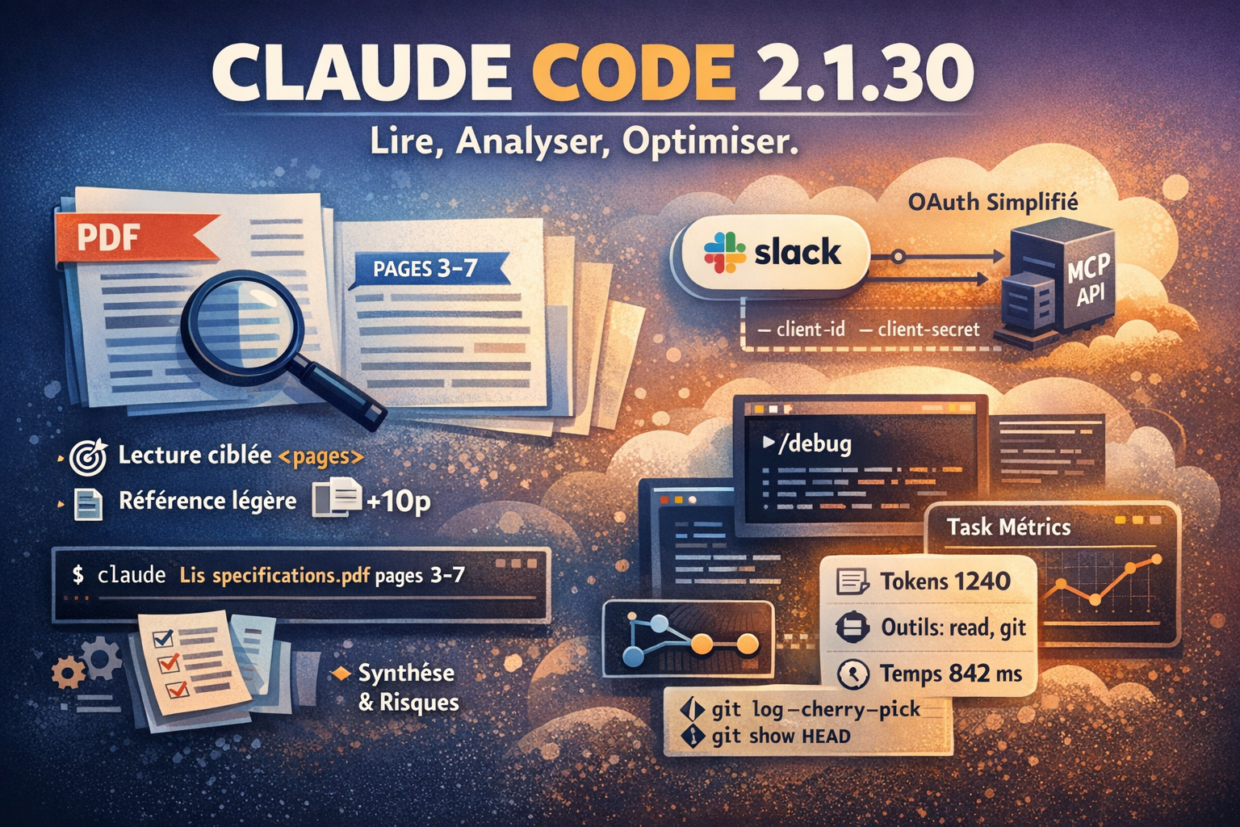
Some releases make a lot of noise. Others focus on refining what already exists, removing friction, and making tools more reliable day after day.
Claude Code 2.1.30 clearly belongs to the second category.
This version delivers several targeted improvements designed for real-world developer workflows. Among them, one change stands out in particular: working with PDFs, which is now far more precise and controlled.
Working with documents: the key role of the Read tool
Claude Code relies on a core capability to analyze local files: the Read tool.
Its purpose is simple: allow Claude to read files directly from your project (source code, README files, logs, PDFs, etc.) without requiring you to copy and paste their contents into the conversation.
In practice, this enables you to:
- analyze large documents,
- keep the conversation context clean,
- and significantly reduce token usage.
PDF handling: what really changes in 2.1.30
Before this release, reading PDFs could quickly become expensive: documents were often long, while you typically only needed a small portion of them.
1. Read only the pages you actually need
Claude Code 2.1.30 introduces a pages parameter for PDFs, allowing you to precisely define which pages should be analyzed.
CLI example
claude
Then:
Read the file specifications.pdf, pages 3 to 7, and summarize the functional requirements.
Claude uses the Read tool to load only those pages, nothing more.
Why this matters
- 🎯 Much more focused analysis
- 💸 Significant reduction in token usage
- 🧠 More relevant answers thanks to a cleaner context
2. No more uncontrolled “inline” PDFs
Another important improvement:
PDFs longer than 10 pages are no longer automatically injected into the conversation context when they are mentioned.
Instead, Claude now uses a lightweight reference, which avoids:
- polluting the context,
- confusing the model,
- and wasting tokens.
👉 The direct consequence: if you need a specific piece of information, you must explicitly ask for the relevant pages or section.
Example:
In specifications.pdf, read pages 18 and 19 and summarize the security constraints.
3. Chaining reading and analysis
Once a PDF has been read, it becomes immediately usable within the conversation.
Examples:
Based on these pages, list the technical risks.
Compare these requirements with spec_v1.pdf, pages 2 to 5.
Claude automatically reuses the already-read content, without reloading the document unnecessarily.
Best practices when working with PDFs
- Always specify page ranges for large documents
- Avoid vague requests like “read the entire PDF”
- Follow up quickly with a clear analysis request
- Break complex documents into several targeted reads
Other notable improvements in Claude Code 2.1.30
Simplified OAuth for MCP servers
Claude Code now includes preconfigured OAuth credentials for MCP servers that do not support Dynamic Client Registration (such as Slack).
claude mcp add slack \
  --client-id YOUR_CLIENT_ID \
  --client-secret YOUR_CLIENT_SECRET
/debug: understanding the state of a session
The new command:
/debug
allows you to inspect the internal state of the current session (active context, loaded tools, and more).
A valuable diagnostic feature for advanced workflows.
The Task tool becomes observable
Task results now include:
- token usage,
- tools used,
- execution duration.
A key step toward more measurable and optimizable automation pipelines.
Git: extended support in read-only mode
Claude Code now supports additional advanced flags for git log and git show, while remaining fully safe and read-only.
git log --topo-order --cherry-pick
Conclusion
Claude Code 2.1.30 does not try to impress with flashy announcements.
Instead, it focuses on what really matters: less friction, more control, and better defaults.
The new PDF handling perfectly illustrates this philosophy.
The tool becomes more precise, more cost-efficient, and more predictable — exactly what you expect from a mature development copilot.
To update, remember to do :
claude updateThen, check your version:
claude --version