Anthropic has just released version 2.1.3 of Claude Code, its development assistant available from the command line and in VS Code.
This update doesn’t revolutionize the tool, but it fixes several issues.
The 4 main highlights of version 2.1.3
1) Commands and “skills” merged: fewer concepts to remember
Previously, Claude Code distinguished between two notions:
- slash commands (e.g.
/plan,/clear, etc.) - skills (custom commands)
These have now been unified.
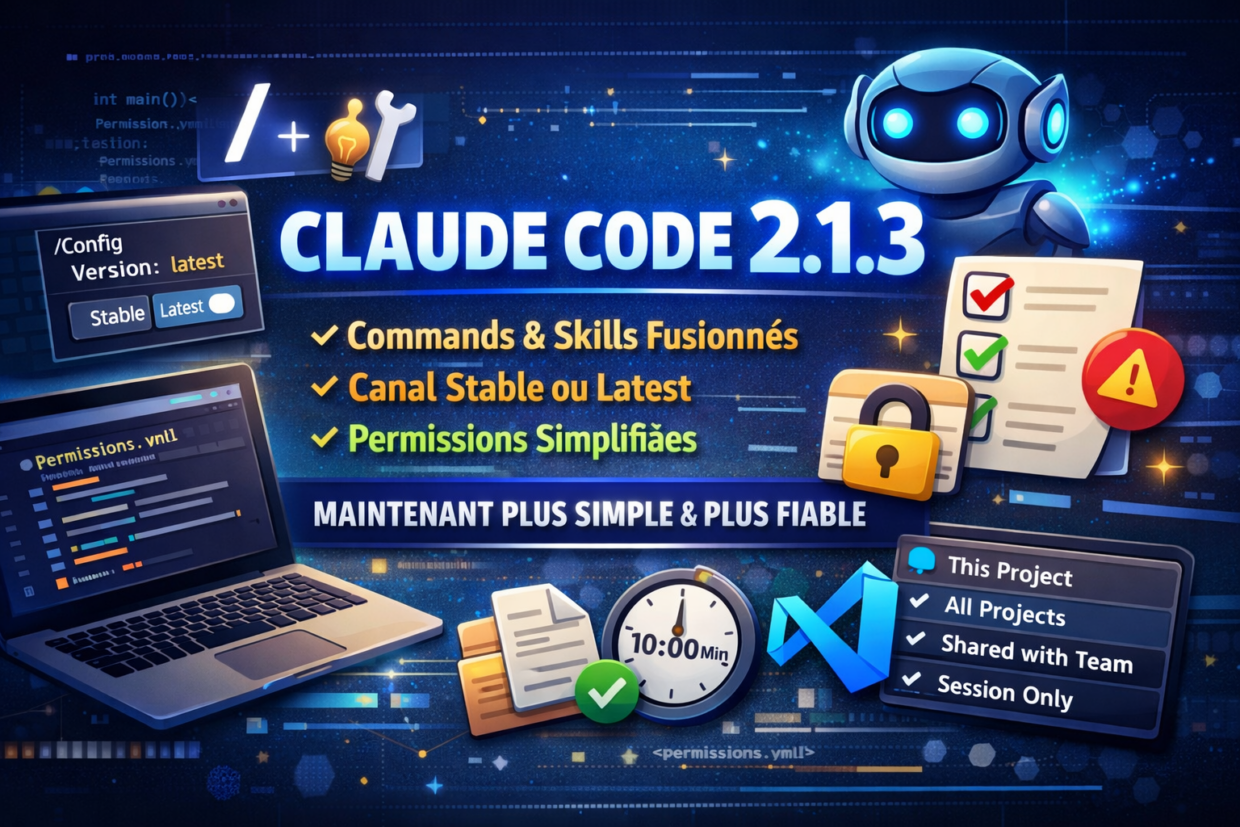
2) Choose your update channel: stable or latest
Claude Code introduces a version channel selector in /config:
- stable: safer, fewer frequent changes
- latest: faster access to new features, but potentially more experimental
👉 My recommendation:
- In a company or production environment, stick with stable
- For tech watch or testing, you can switch to latest
3) Finally clearer permission rules
The permission rules (file access, hooks, etc.) had a bug:
some rules could be unreachable without the user realizing it.
In 2.1.3:
- Claude Code detects these problematic rules
- It displays clear warnings in
/doctorand after saving - It explains which rule is causing the issue and how to fix it
4) Better overall stability (fewer “weird behaviors”)
This version fixes several subtle but annoying bugs:
- Background tasks are now displayed correctly (no more mismatch between the status bar and the actual list)
- Sub-agents now use the correct model (including for web search)
- Plan files are properly reset after a
/clear(Claude had a cache-related bug with plan files) - Terminal rendering is more stable (fewer broken cursors or garbled output)
Other improvements (briefly)
- Slash command descriptions are more readable (truncated to 2 lines)
- Hook timeout increased from 60 seconds to 10 minutes (useful for long scripts)
- Fix for a false duplicate of skills on some file systems (e.g. ExFAT)
- Fix for a trust issue: accepting a trust dialog now correctly enables associated features (hooks, etc.)
- VS Code: added a clickable selector to choose where to save permissions
(current project, all projects, shared with the team, or session only)
If you’re not using Claude Code yet
Where to download Claude Code?
Claude Code is an open-source project maintained by Anthropic (a subscription is required to use it).
The code, releases, and installation instructions are available on GitHub:
https://github.com/anthropics/claude-code